Gobbling Up Learning: Our Thanksgiving Library Activities

This time of year, our library isn’t just about reading Thanksgiving books, though we definitely enjoy those too! We also mix in some fun Thanksgiving-themed activities that help students practice library skills and basic tech skills. By this point in November, students (and staff!) are definitely ready for a break, so these hands-on activities keep things fun and engaging.

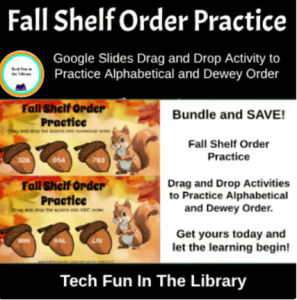
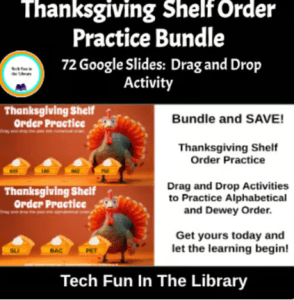
One activity my students love is our Thanksgiving shelf-order practice. This is a Google Slides activity I created where students drag and drop little “pie pieces” into alphabetical and numerical order. It sounds simple, but it really helps them understand how books are arranged on the shelves. This is an important skill when they start looking for books on their own. This is also available as a Fall shelf order practice activity for students who do not celebrate the holiday season. I add both to the Google classroom and they can choose.

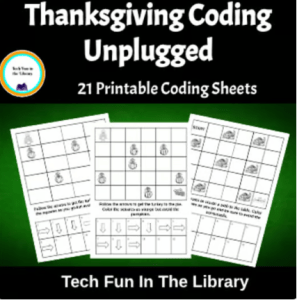
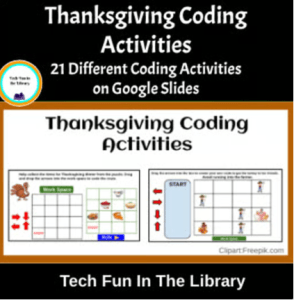
Students also have fun doing coding activities with a Thanksgiving twist. For my younger students, especially 2nd grade, we do unplugged coding where they learn the basics without devices. For 3rd and 4th graders, we use a digital coding activity in Google Slides with fun Thanksgiving-themed drag-and-drop tasks. They always enjoy it, and it’s a great way to ease into Hour of Code next month.

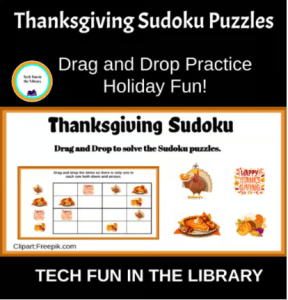
Another favorite is Thanksgiving Sudoku. I created a drag-and-drop Sudoku game in Google Slides where students move Thanksgiving pictures into the right spots to solve the puzzles. It’s great practice for using a trackpad or mouse, and it builds critical thinking and problem-solving skills. Grades 4–6 especially love this one. I have also offered a Fall Sudoku for my students who don’t celebrate holidays or for students who would just rather do a Fall themed activity. I put both into the Google classroom and they can choose.

These are just a few of the fun things we do in the library during November when we are learning, thinking, creating, and of course, having fun while celebrating the Thanksgiving season!

All of these activities are also available in my Teachers Pay Teachers store for anyone who wants to use them in their own library or classroom. Click the images below to go directly to the items.

Fall Into Reading: Fun & Easy Activities for Your Favorite Autumn Books

Fall is such a fun time in the library! There are so many great books to choose from, and every year I pull out some of my favorites to read with students. These fall-themed books aren’t just fun — they help students build important reading skills too.

Some of my go-to titles include:

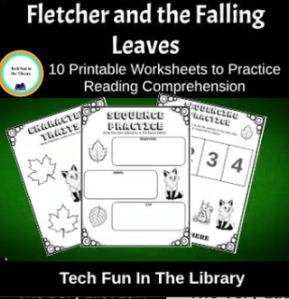
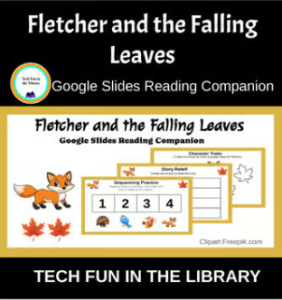
🍂 Fletcher and the Falling Leaves – We talk about how Fletcher feels as the seasons change and do a character traits activity. I also have a sequencing printable where students put the events of the story in order.

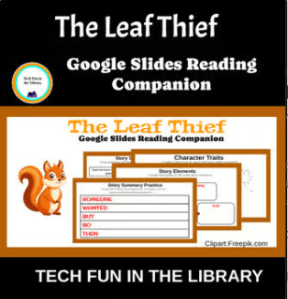
🍁 The Leaf Thief – This one is great for discussion on cause and effect! The activities we do cover character traits, sequencing, retelling the story, connecting to self by writing words they connect with fall and a fun word search.

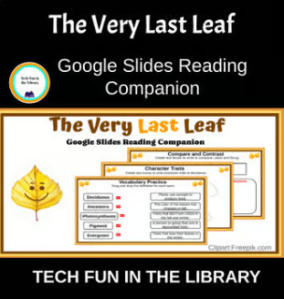
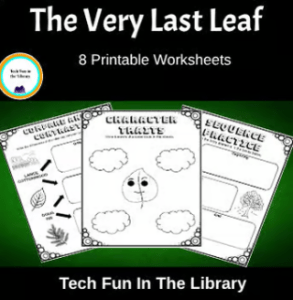
🍃 The Very Last Leaf – Perfect for discussing character growth. We talk about being brave and making connections to times students felt nervous about something new. The activities cover a range of skills but kids enjoy comparing deciduous trees and evergreen trees.

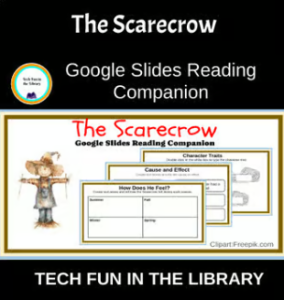
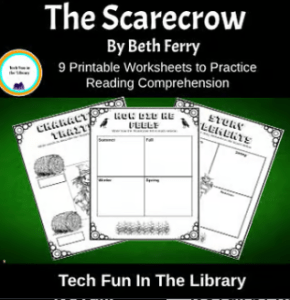
🌾 The Scarecrow – This book gets a little deeper. We compare and contrast characters and talk about kindness. These activities cover basic story elements but also cause and effect, rhyming words, and counting syllables. Students are then asked to think about how the Scarecrow was feeling each season of the year.

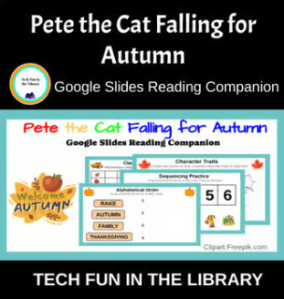
🎃 Pete the Cat: Falling for Autumn – Always a hit! I use this with my younger grades and they love it! Students learn to put words in alphabetical order, pute events in sequential order, and do a fun class survey. It is great watching them walk around the room asking classmates for their favorite Fall activity/item. A fun way to get them interacting with others while still learning drag and drop skills on the computer.

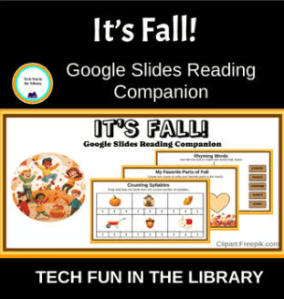
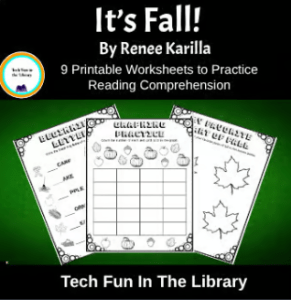
🍁 It’s Fall! – Great for nonfiction tie-ins. We use it to talk about signs of fall and then do either the digital or printable activities that go with this book. With this students practice graphing skills, connection to self, alphabetical order, and then the fun of drawing their own Jack-O-Lantern.

These activities are available in both printable and digital — easy to grab and go, and flexible for different grade levels. Each book gives us the chance to work on skills like story recall, character traits, sequencing, compare and contrast, and even some simple graphing! With these activities students stay engaged, and admin is always happy to see meaningful work that supports reading comprehension.

The best part? Kids have fun while learning. That’s what the library is all about this time of year!

Click on images to see product.

Shop for these and more on my TPT store!

Making 90 Minutes Count in Junior High Library

This is my first year teaching a junior high library class, and I’ll be honest—I’m only about one step ahead of the students most days when it comes to planning. One of the biggest challenges has been filling a full 90-minute class block, especially with new classes still getting used to the routine.

Today, though, I pulled together an educational, engaging activity that filled the whole time and actually went really well, so I wanted to share in case it helps someone else.

I knew I wanted to cover a digital citizenship lesson and found a great one on PBS Learning Media called “When Is Your Brain Ready for Social Media?” It includes a short video and a viewing guide with questions. We watched the video once and answered the questions together. Then we watched it again so students could take notes to use for writing a claim.

After that, they wrote their own claim using evidence from the video to back it up. This part only took about 30 minutes. So… I had 60 minutes left and needed to come up with something fast!

Last week I had them do a research activity in which they created Google Slides to present their information. While grading I noticed a lot of students were struggling with how to make their slides look polished. So I saw a chance to squeeze in a quick Google Slides lesson using the same video content.

I showed them how to:

  • Add background color or themes
  • Use simple animations
  • Add images to support their points and make their slides more professional

They each made a short slideshow using the information from the video. They practiced their digital skills and reviewed the video info again—win win! Best part? It took up the full 90 minutes and everyone stayed engaged.

Just a reminder that sometimes we have to turn on a dime and be flexible. Those quick thinking moments can turn into great lessons!

Here’s the link to the PBS lesson if you want to check it out:
When Is Your Brain Ready for Social Media? – PBS LearningMedia

Arnie the Doughnut Lesson and More…

There is much more to being a library teacher than simply reading a book. With all the duties we have in the library, on top of lesson planning, there are times when it can seem overwhelming trying to figure out what to teach next. Yesterday was one of those days for me. So, I went back to my planner (I use Planboard Chalk because it is free and easy to use) and looked at what I did last year in January. I found this easy lesson for Arnie the Doughnut that the kids loved. Remember lessons don’t always need to be a complex dog and pony show. It is okay to share a good book and then give students something fun to do that ties into it that doesn’t take a lot of prep work.

Arnie the Doughnut by Laurie Keller

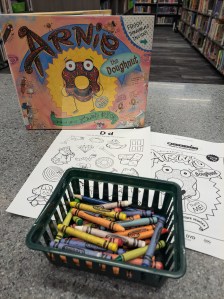
I love this book and so do the kids. I use it with my first grade classes and they are always asking if we can read it again. For this one I simply went and found a free coloring sheet online. I typed in “Arnie the Doughnut coloring sheet” and found this one by Scholastic. It was perfect.

Since my admin wants the library to be “a class” I try to add more to their lesson than just a coloring sheet. Since we were reading about a doughnut I chose to use a worksheet that started with the letter D. Again I searched for free letter D worksheets and found one I liked. Then I simply printed the coloring sheet and the letter D worksheet back to back. And just like that I had a fun lesson (and educational) to go with the book.

Potato Pants by Laurie Keller

Once you find a good book it is then easy to find other books by the same author to use in your library lessons. Laurie Keller has written so many good books it is easy to keep going with her books and add more fun lessons to your classes.

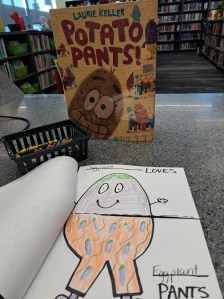
Potato Pants is always a hit. I also use this one with my first grade classes but it could easily be used with younger or older students. There are tons of fun ideas you can use with this book to have kids decorate and make potato pants. Some people use actual potatoes and put fabric on them. Some use pictures of a potato and add fabric clothes. I choose to use an activity where kids color the clothes on their potato and other fruits and vegetables in a coloring page format.

The activity I like to do for this one takes a couple visits but the students have a blast working on it. I found this lesson idea on Facebook from the Clever Librarian. No cost other than your time to draw some fun looking fruits and vegetables. Don’t worry if you are not an artist, I definitely am not, but found it easy to draw these funny looking pictures from the students to color. It does take a bit of prep work to make the little Potato Pants coloring pages but once you do it one year, save the template and then you have it for years to come.

Once you have drawn your different fruits and vegetables on the coloring pages. Staple the edges along the long side of the paper to make a book. Cut the pages in half but not all the way across. This way the top and bottom can fold open and then the outfits are interchangeable for the different fruits and vegetables. My classes love showing each other how they colored their pants for the different pages. It is definitely an activity worth adding to your lessons.

Do Unto Otters by Laurie Keller

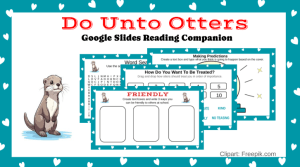
Do Unto Otters is a wonderful book to use for an SEL lesson. We can never give students too many reminders about how to treat others kindly and with respect. After we read and discuss this book I use my Google Slides reading Companion activity. Prep time for this lesson is super easy. All you have to do is add it to their Google classroom, make a copy for each student, and assign.

This lesson is a tech related lesson so students get to practice library skills and some basic tech skills at the same time. As students go through the lesson they will do predictions, story elements, and write three ways they can be friendly, considerate, kind, honest. Then at the end they can use the scribble line tool to solve a maze. This is just another way to keep students engaged and learning in the library.

Shop for your copy of Do Unto Otters here.

I have give you three books by Laurie Keller to use but you can find more and use some simple ways to add fun and learning to your library lessons. I hope these ideas were helpful to you as you continue your journey to make your library a special place of learning and fun.

Same Same But Different: Kindergarten Lesson

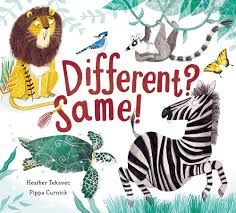
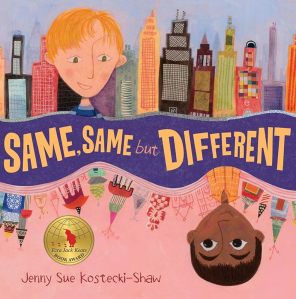
I have been doing this lesson with kindergarten for a few years and thought I would share. Because…who can’t use some new ideas? I like this lesson because it gives me the chance to use a great SEL book about how we are all different and discuss how it is okay to be different. For this lesson you need to use the books Same Same But Different by Jenny Sue Kostecki-Shaw and Different? Same? by Heather Tekavec. If you don’t have the books in your library yet you can always borrow from the public library for the lesson. I have also had great success with using EPIC at times and projecting the book to read to them. Sometimes we have to be creative in finding books when budgets are small for school libraries.

Different? Same?

I read this one to the students first to get them thinking about how animals are different. As I read each page I give them time to guess what they think the animals will have in common before I read the last sentence. Kinders love to be involved in the story so this is a perfect chance to let them share their ideas. I also use this as a time to encourage hand raising and not yelling out. They will come up with lots of different ideas and some they get the same answer as the story right away and others it takes a bit of prodding. I love it because they are learning to think outside the box and realizing that there can be more than one right answer.

Same Same But Different

After we finish the first book we move on to read the book Same Same But Different. I like to start by asking how people could be the same, how people could be different, and is it okay to be different? It is also a good time to let them make predictions. Show the cover and ask them what they think the book will be about. Anything to get them thinking about the book before you start.

As you read you can stop and ask how the boys are the same and different in the story. After the story you can discuss how we might all be the same and different. You could start a discussion about where they live, what they eat, etc. then compare to one another. EXAMPLE: “My favorite ice cream is chocolate ice cream.” you could let each one tell their favorites. After they share you can reinforce the idea that it is okay that we all like different kinds…there is no wrong or right kind of ice cream. There are lots of things you can do to get them thinking about how it is okay to be different.

Activity After the Story

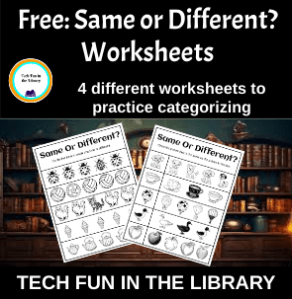
I like to always have some type of lesson for them to do that ties to the book. My admin wants library to be “like a class” so I try to combine fun and learning whenever possible. I know they like to draw and color so some days we do that but I feel that adding some type of learning worksheet gives it just a bit more “class” feel. For these books I chose to have them do a couple worksheets finding things that were the same and different. They can use crayons and then color the pages after they circle their answer. I have created 4 different worksheets that my students use and you can get a copy of them for FREE by clicking the link below.

Get your FREE Same or Different? worksheets here.

I have had great success with this lesson. It keeps students engaged, it gives the chance to share 2 fun books, and there are learning activities at the end. If you are looking for lesson ideas for your kindergarten class give it a try and let me know what you think. See you next time!

Fun Lesson with First Graders

My first graders come to the library twice a week. If you know this age group you know that there are times they can get a little squirmy and bored if you don’t have something to keep them engaged the whole class period. This week we worked on one of my Google Slides Reading Companions activities. It was the perfect way for students to get back into the swing of library after an extended break.

What are Google Slides Reading Companions?

These are lessons I have created to bring both tech and library together. I not only teach library but I also teach technology. When I first started doing both 8 years ago I had no idea how to get enough time to improve skills in both areas. I decided to create some lessons that would give them the library skills and books while at the same time working on basic tech skills. The Google Slides Reading Companion was born!

No Snow Yet…But We Are Hopeful

As I have said in other blogs winter themed read aloud are perfect for this time of year. I chose to do Just One Flake this week. We read the story and then talked about times that they tried to catch snowflakes on their tongues. Almost all admitted they have tried to do this when it snows. After the story I used the projector to display the slides and show students what they needed to do for each slide. Then students logged onto their Chromebooks and began the lesson.

Tech Skills Practiced

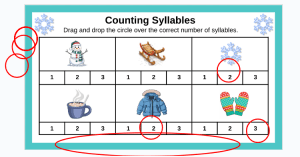
At this age I know mastering the track pad is key to being successful on the Chromebooks. This lesson has a lot of drag and drop activities to give students the practice they need manipulating the trackpad. Is it always easy? No, sometimes they get frustrated when they can’t get the object to move or when they stretch out the circle they are trying to drag and drop. But, as with anything, practice makes perfect. I remind them that the more they practice the easier it will become. Below is an example of one student’s work dragging and dropping circles over the correct number for syllables. As you can see they did stretch out the circles.

Movement During the Lesson

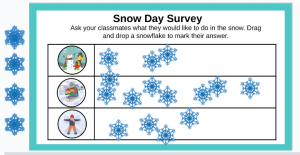
I love that this lesson adds a chance for movement during class. At the end of the slides there is a survey slide that students need to ask their classmates about a favorite event on a snow day. It is so fun to watch them go around asking their classmates what they like best and then dragging and dropping the snowflake to the appropriate box. They love getting to move around and talk while still being engaged in the lesson. Now that is a win for everyone!

A Great Way to Learn

Overall, it has been a great few days working with my first graders. Students have been engaged and having fun which makes them happy. Students have been learning new skills and practicing old skills which makes me happy. I didn’t have to make a stack of copies for assignments, I didn’t have to keep track of unfinished work until the next time they came, and I was able to watch them grow in their computer skills. If you are looking for a fun activity to use with your students Google Reading Slides Companions are a great way to add tech to your lessons.

Shop for your copy of Just One Flake here.